
Astute Beta App Not Installed Problem Solution—Complete Guide
This error is very common, and many players face it. This problem mostly happens because of low storage or issues with Free Fire Max. These are the main factors that stop the Astute Beta Server from installing on a mobile device. So, we will discuss all the steps that can help you install it easily without any errors.
Method 01: Free Fire Max
If you already have Free Fire Max on your phone, it can create a problem during installation. This is because Astute is a test server for Free Fire. It is used to test new features of the game before they are released to the public. If players find any bugs while testing, the developers fix those issues first and then release the update officially.
So, for fixing this error, you need to uninstall Free Fire Max from the device, and then you can install it. Then you will not get any errors in it.
Method 02: Corrupted or Incomplete APK File
Many websites share corrupted or broken APK files, and when users download them, the phone shows the ‘App Not Installed’ error. This happens when the file is not complete. Always download the Astute Beta Server from trusted websites to avoid these issues. A clean and small file installs easily without errors.
Method 03: Storage Space Full
If your phone storage is full or very low, the Astute Beta app cannot be installed. The Astute Beta file size is 400MB+. Android needs extra storage to install this APK. Try to free at least 1–2 GB of storage by deleting unnecessary APKs. After clearing space, restart your phone and install again. This small step fixes the problem for many users.

Method 04: Unknown Sources Disabled
Astute Beta Server is a third-party APK, so Android blocks the installation if Unknown Sources is turned off. To fix this, go to Settings → Security → Enable Unknown Sources. This allows the phone to accept apps that are not from the Play Store. After enabling it, install the APK again.
Method 05: Antivirus or Security App Blocking
Some phones have antivirus or security apps that block beta or unofficial apps automatically. These APKs might be harmful, so they stop the installation if get any lag. To fix this, temporarily disable your antivirus or security app, install Astute Beta Server, and then turn the protection back on.
Method 06: Insufficient RAM
If your device has low RAM or too many background apps running, the installation may fail. APK files need free memory to unpack and install correctly. Close all running apps, clear recent tasks, and restart your phone to free RAM. After that, install the app again. Low-end devices face this issue often.
Conclusion
The Astute Beta App Not Installed problem usually happens because of a Free Fire Max file, low storage, or blocked installation settings. By enabling Unknown Sources and clearing space or RAM, the issue is easily fixed. Most users solve the error after a quick restart and reinstall. If you are the lover of Free Fire and you want to change the name freely, then this app is the best.


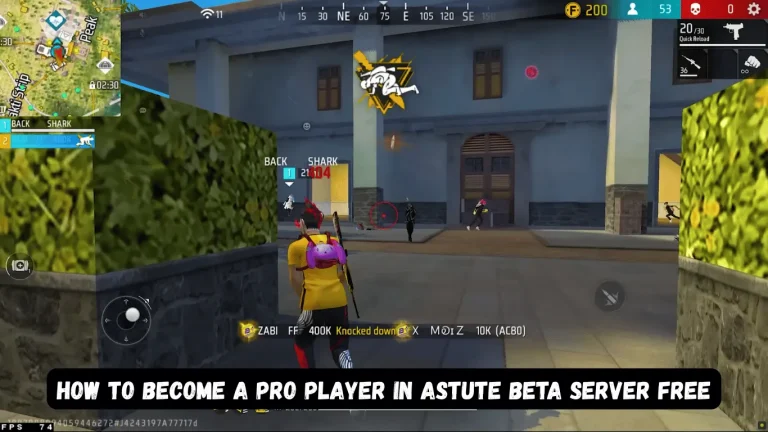



Free fire beta
please unlock my uid 15358175479
Unlocked done